

AI alt text generator for images
Generate context-aware, accessible and search-optimized alt text for every image on your site automatically.





Used by teams at





Alt text generator built for scale


How our AI alt text generator works
Connect your site or upload images
Drop images right into our web app or connect through any of our integrations, whatever works for you.

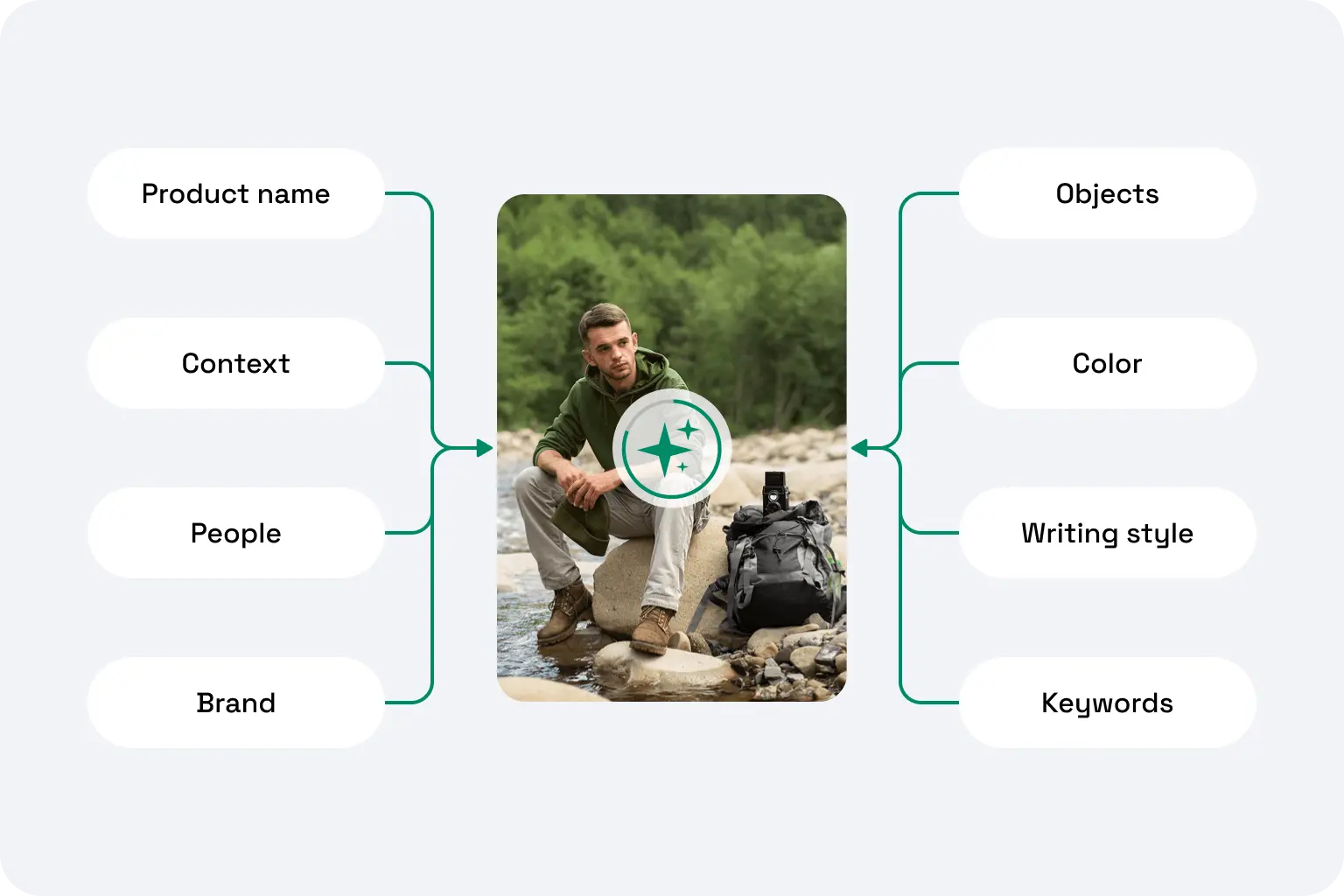
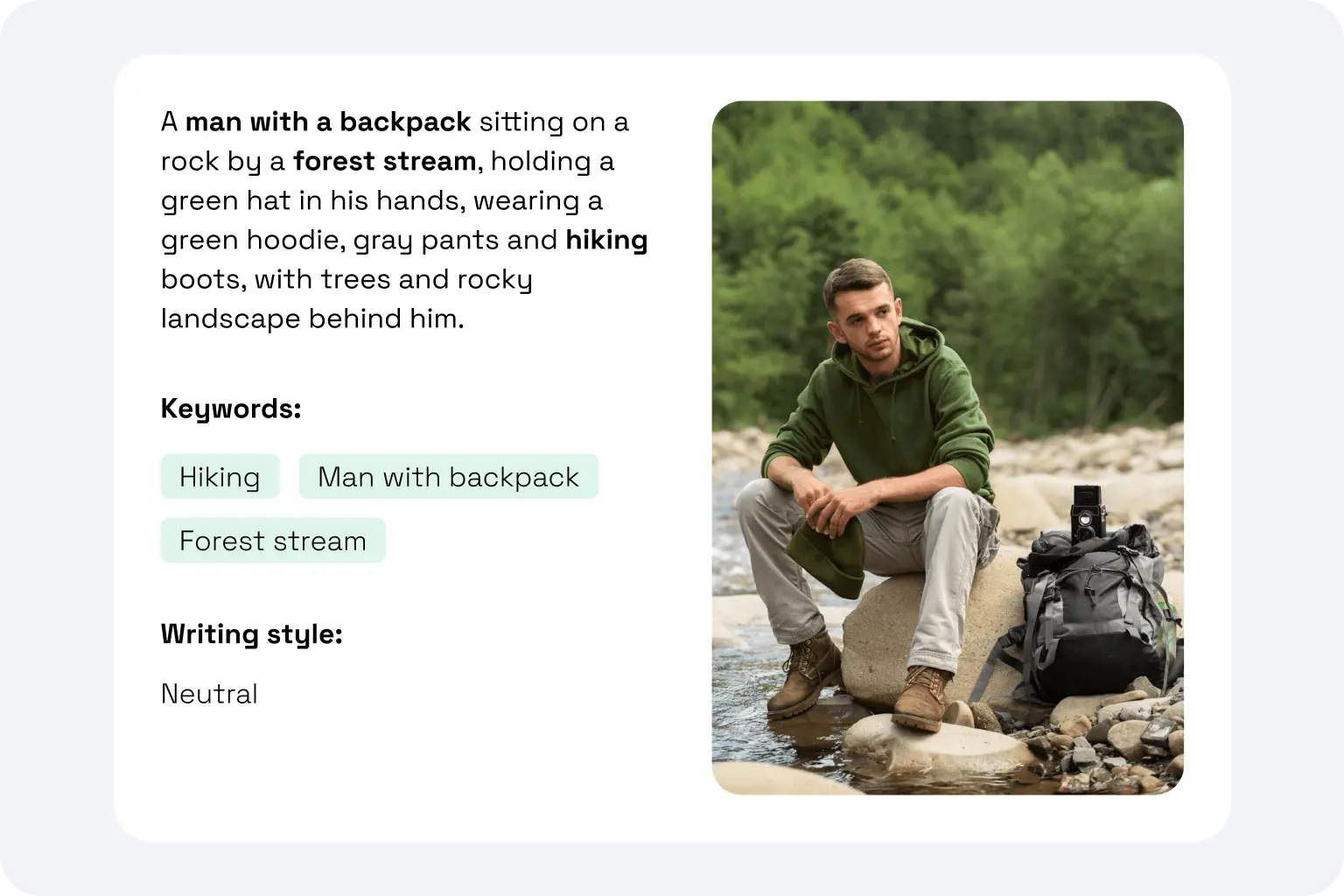
AI reads every image in context
AltTextLab reads objects, embedded text, and every visual detail in context — not just what's visible, but what it means. It then writes a description that's accurate, screen reader-friendly, and optimized for image search.
Export, copy, or auto-sync to your CMS
Copy alt text or push it directly back to your media library automatically. Really, it's that easy.
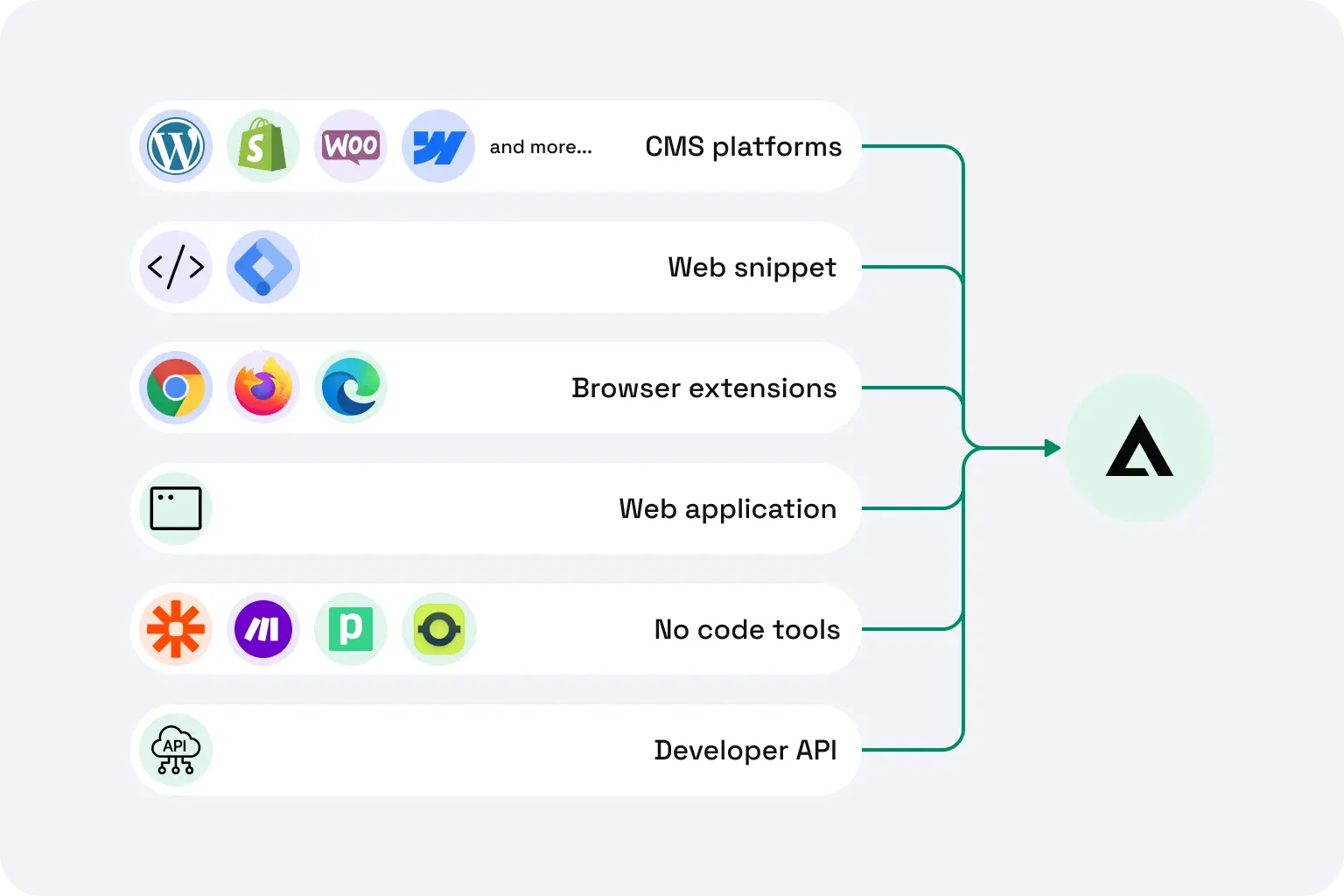
Works with the tools you already use












Purpose-built for teams like yours
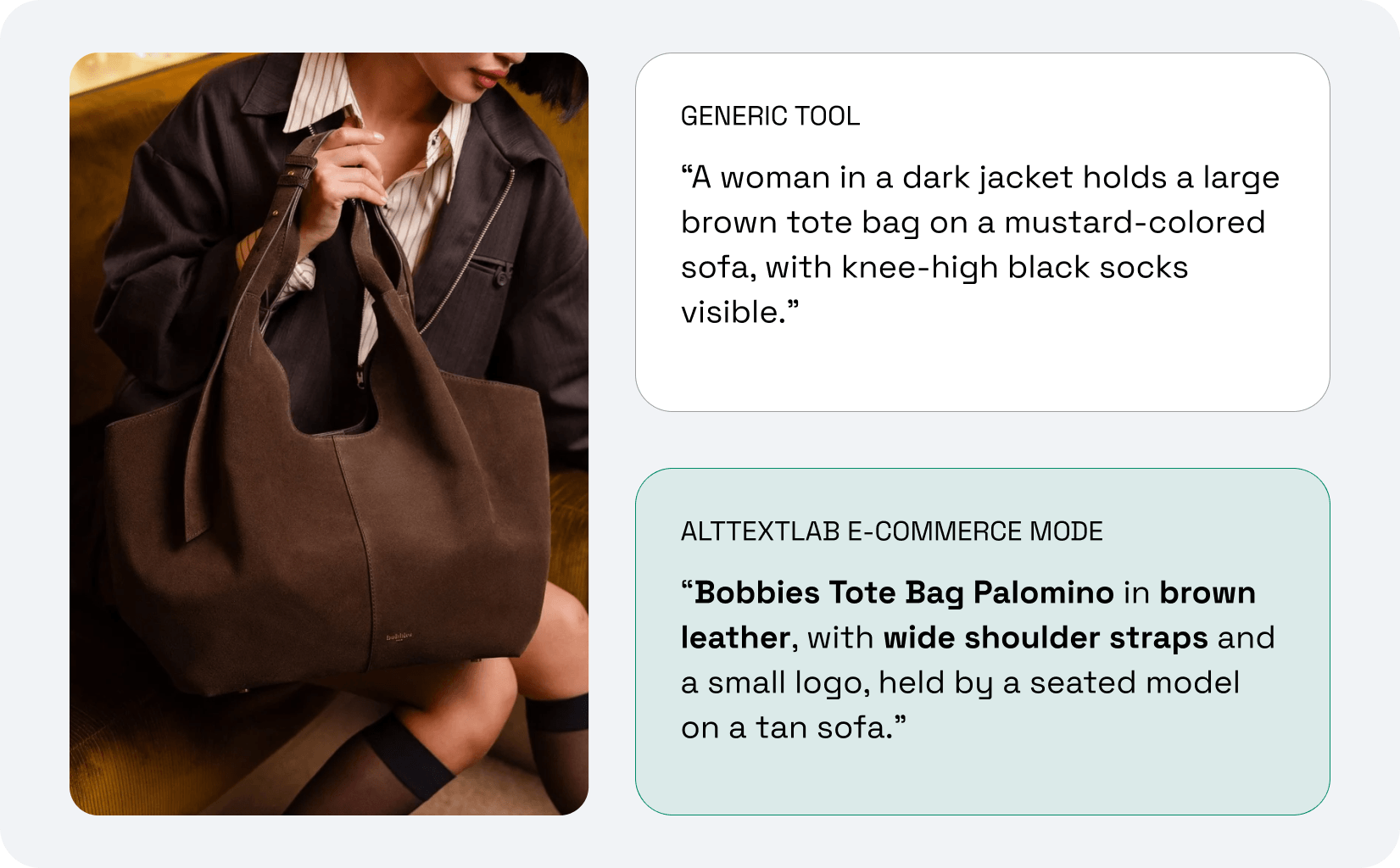
Every product image described from your product data
Every client site, from one account
.png)
Alt text for every image on your site
.png)
.png)
Alt text across your whole web estate
Every image in your archive, described without adding staff
.png)
What actually changes when you use AltTextLab
.svg)
Save hours of manual work

Improve your search engine visibility

Pass accessibility standards instantly

Show up in AI search results
Teams that stopped writing alt text manually







Can I generate alt text in bulk, or does it only work image by image?

Bulk generation is one of the core use cases AltTextLab is built for. You can process your entire media library in a single run, whether that's a few dozen blog images or tens of thousands of product photos. WordPress, Shopify and WooCommerce users can trigger a full-library batch directly from their CMS dashboard. For developers, the API handles batch requests at scale with no extra configuration needed.
Will AltTextLab overwrite alt text I've already written manually?
No. By default, AltTextLab only generates alt text for images that currently have an empty or missing alt attribute. Anything you've written manually stays exactly as it is. If you ever want to regenerate alt text across your entire library, including images that already have descriptions, that's available as an explicit, opt-in option. You're always in control.
Do I have to run the tool again every time new images are uploaded?
Not if you'd rather not. AltTextLab offers automatic generation for new images. On WordPress, for example, any image uploaded to your media library can be automatically processed and alt text applied immediately, no manual trigger needed. Web Snippet also generates alt text automatically on new uploads. API integration can similarly be configured to handle new visual content as it's added. You set it once, and it runs in the background.
Can AltTextLab include my keywords or product data in the alt text?
Yes, our AI image alt text generator lets you provide custom keywords, product attributes, and brand context that the AI factors into its output. This is especially valuable for e-commerce: product images can include the product name, material, color, and category naturally within the image description — not stuffed in, but written in a way that reads well for both users and search engines. You can configure keyword preferences at the account level or customize them per batch.
Does alt text help with image search rankings and SEO?
Yes, alt text helps with search engine optimization in two specific ways. Alt text serves as a primary signal for understanding and ranking images in Google Image Search, which can be a meaningful organic traffic source for visual businesses. It also adds relevant textual context that helps Google understand the overall topic of your web page. For newer AI-powered search surfaces (like Google AI Overviews or ChatGPT), alt text also affects whether your products and images appear in LLM-generated recommendations — a gap that's growing in importance.
Does AltTextLab generate alt text that meets WCAG and ADA standards?
Yes. All alt text generated by AltTextLab follows WCAG 2.1 Level AA guidelines — the international standard referenced by the ADA, the European Accessibility Act, and most accessibility auditors. Textual descriptions are concise, meaningful, and structured to work correctly with screen readers. For decorative images, AltTextLab correctly assigns an empty alt attribute (alt=""), which tells screen readers to skip the image — the right behavior under WCAG, and often missed by generic tools.
Is alt text legally required? What are the risks of not having it?
In many countries — yes, and the exposure is growing fast. In the US, the ADA (Americans with Disabilities Act) requires websites to be accessible to visually impaired users, and missing alt text is one of the most commonly cited violations. In 2025, over 8,600 ADA website lawsuits were filed, with e-commerce sites making up around 69% of targets. First-time violations can carry fines of up to $75,000, rising to $150,000 for repeat offenses — plus legal fees.
The European Accessibility Act (EAA), which came into force in June 2025, extends similar requirements to any business serving customers in the EU. The compliance standard for both is WCAG 2.1 Level AA, and missing alt text is one of the most frequent failure points.
See your images described in seconds


